
This guide is for programming your CTI remote to your Television.
You will need to program the remote to your TV if you've received a new remote because one stopped working, or if you've noticed your remote works for cable functions (i.e. guide, channel changing) but no longer works for TV functions (i.e. volume, power, input)
This guide is for remotes that resemble the picture below.
This is a simple guide that will work for most TVs. For the full guide and a list of TV codes click on the following link.
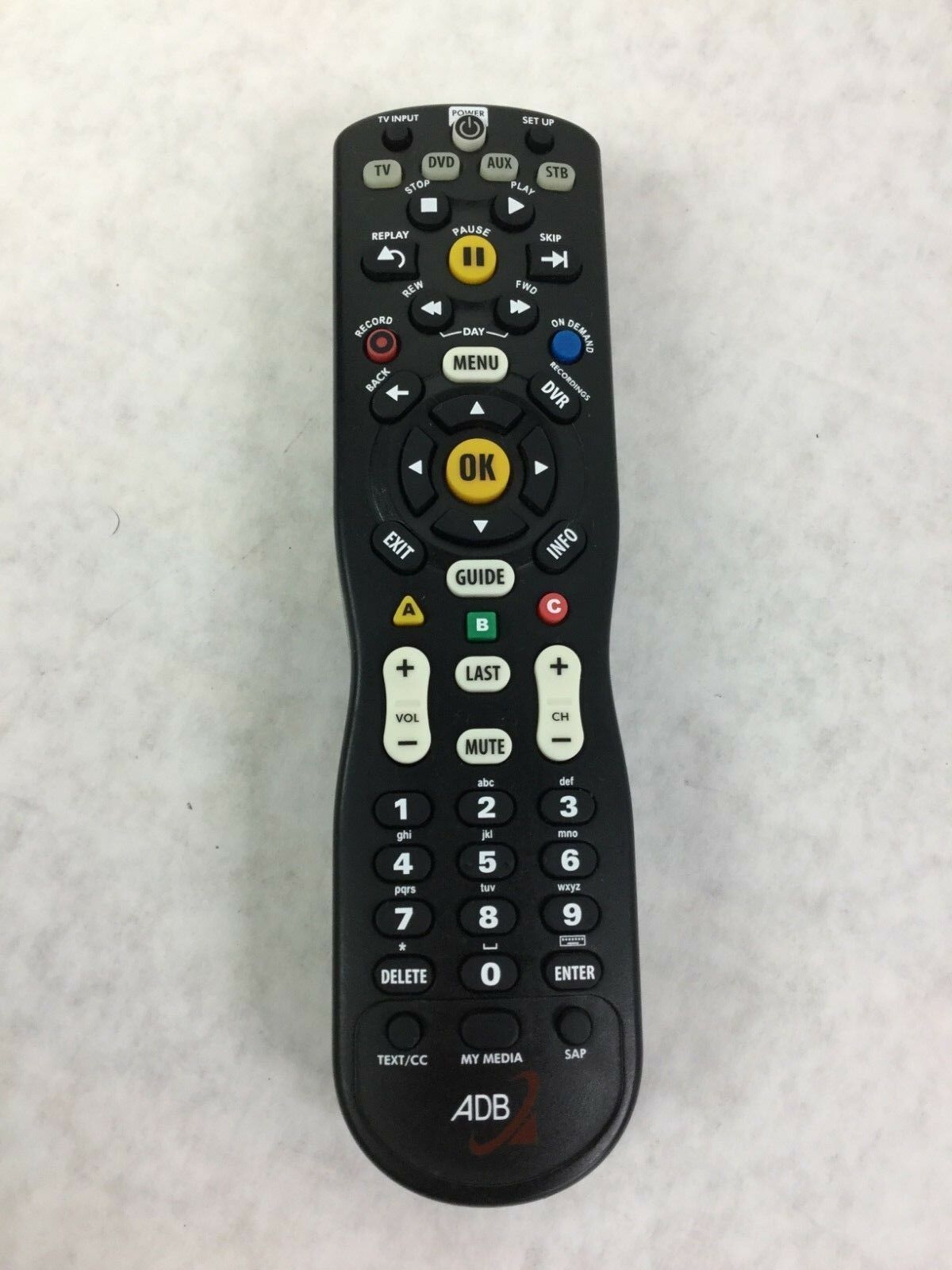
1. Turn on your TV and press and hold SETUP until the mode key blinks twice.
2. Press the TV button. It will stay lit.
3. Press and hold down the OK button.
4. Point remote at TV and hold OK until the TV turns off.
5. Release OK button.
