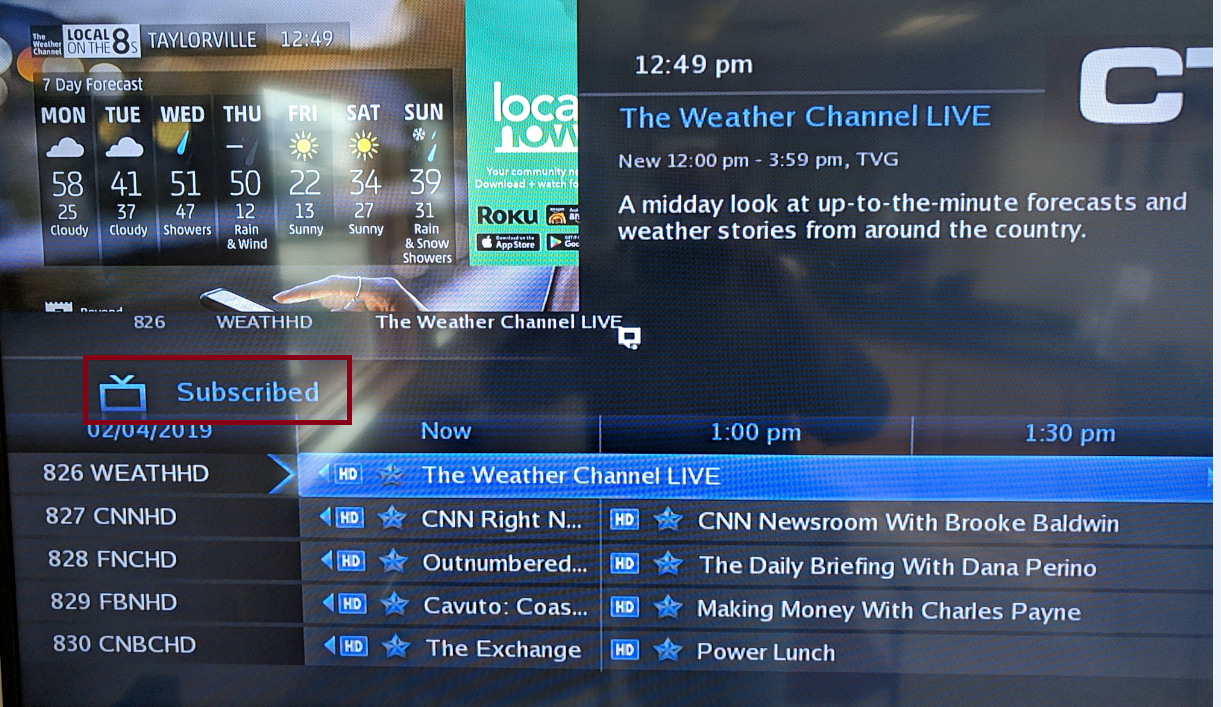
The most likely reason for missing channels is the guide filter being set to an unwanted filter.
By default the guide is set to show all channels that we offer at CTI. However hitting the guide button while already in the guide changes the guide filter.
The different filters are:
- All (All channels we offer)
- Subscribed (Only channels you are purchasing)
- SD (Standard definition channels only)
- HD (High definition channels only)
- PPV (We do not offer Pay Per View)
- Favorites (If you've created a favorites list)
If you find that your guide does not say SUBSCRIBED as in the picture below hit the GUIDE button on your remote while already viewing the guide. This will change the option shown. Hit EXIT on your remote when you have the filter set where you would like.